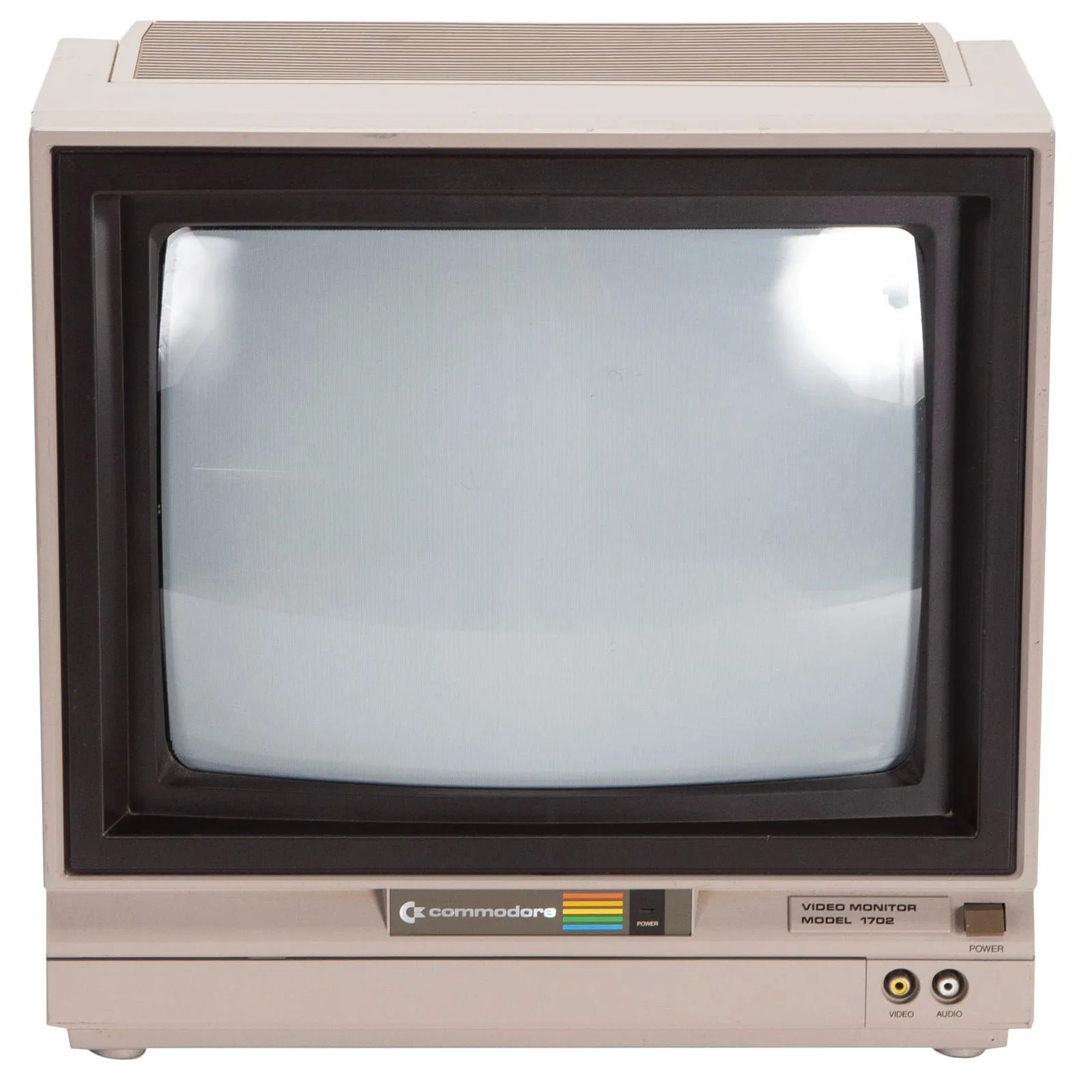
Commodore 1702 Monitor
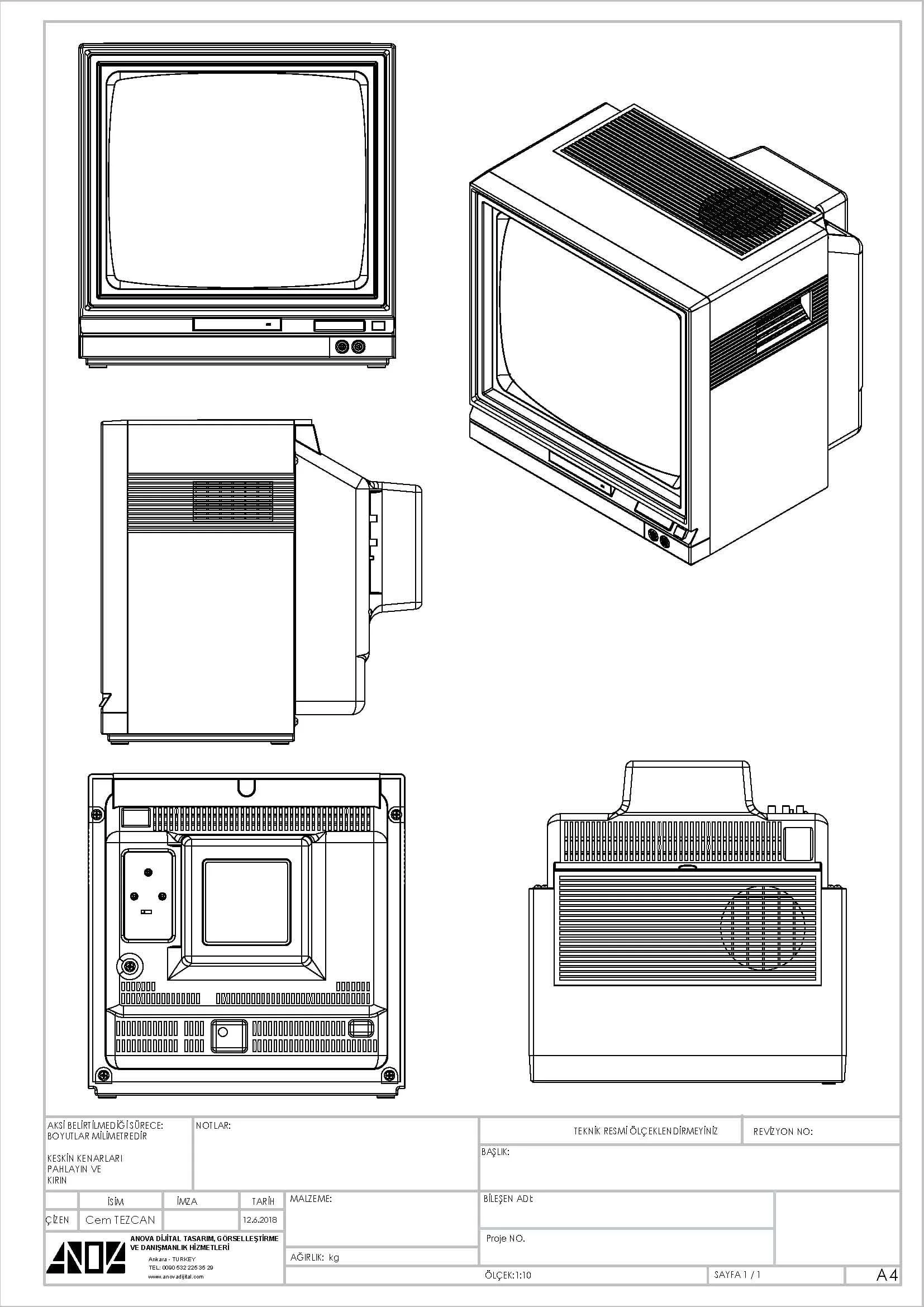
The original 13-inch CRT monitor made by Commodore for the C64. Dedicated Chroma/Luma input, built-in speakers, and accurate 16-colour display.
Commodore 1702: the dedicated CRT monitor for the C64
The Commodore 1702 is the original display designed specifically for the Commodore 64. Released alongside the C64, it was built to show the machine's graphics and colour palette at their best.
Unlike a standard television, the 1702 uses a dedicated Chroma/Luma input that separates the colour and brightness signals from the C64's video port. This produces a sharper, more accurate picture than composite or RF connections. Built-in speakers handle the C64's audio output, so no external amplifier is needed.
The 1702 remains the benchmark for authentic C64 display quality. Its 13-inch screen, accurate colour reproduction and period-correct CRT look make it the preferred choice for collectors and retro enthusiasts who want the original experience.
Shop on Amazon
Find Commodore hardware, games, books and accessories. Browse the full range on Amazon.
Design and features of the 1702
Commodore designed the 1702 to complement the C64's visual capabilities in a way that a household television could not. The monitor sits on a matching grey base and shares the same industrial styling as the C64 and 1541 disk drive, giving a cohesive look to a complete Commodore setup.
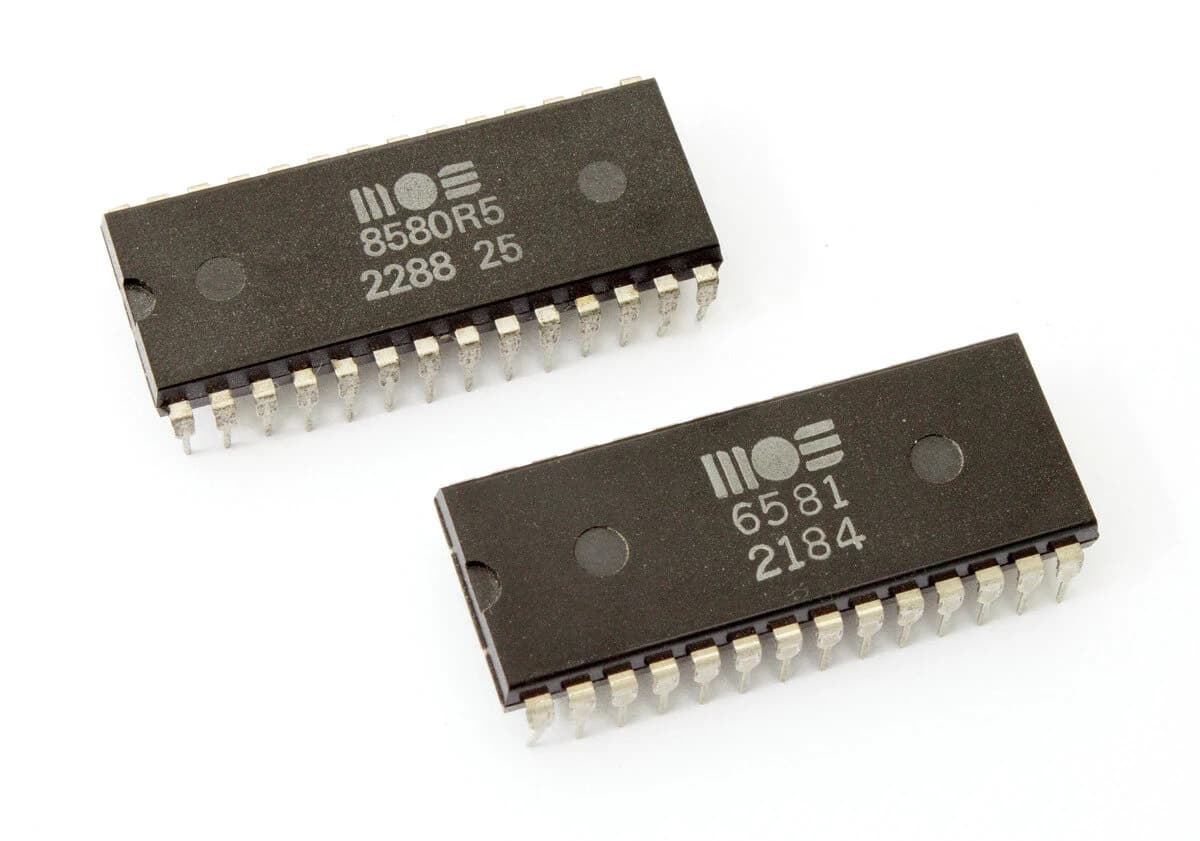
The front panel controls give direct access to brightness, contrast, colour and tint. The Chroma/Luma input on the rear ensures that the C64's graphics are displayed with the same clarity intended by the VIC-II chip designers. The SID chip audio output feeds directly into the built-in speakers via a standard audio cable.
- ▶13-inch CRT screen with dedicated Chroma/Luma input
- ▶Supports the full C64 colour palette of 16 colours
- ▶Built-in mono speakers with audio input
- ▶Front-panel controls: brightness, contrast, colour and tint
- ▶Composite video input for compatibility with other devices
- ▶Designed to match the C64's grey colour scheme
How to connect the 1702 to your C64
Setting up the 1702 is straightforward. Follow these steps for the best picture and sound quality from your Commodore 64.
- 01
Connect the video cable
With the C64 switched off, plug the Chroma/Luma DIN cable into the video port on the right side of the C64. Connect the other end to the matching input on the back of the 1702.
- 02
Connect the audio cable
Run an audio cable from the C64's audio output to the audio input on the 1702. This feeds the SID chip output directly to the monitor's built-in speakers.
- 03
Connect the power lead
Plug the 1702's power lead into a mains socket. The monitor has its own built-in power supply and does not draw power from the C64.
- 04
Switch on and adjust
Switch the monitor on using the power button. Use the front-panel controls to adjust brightness, contrast, colour and tint to your preference before switching on the C64.
- 05
Switch on the C64
Switch on the Commodore 64. The display will appear immediately. No additional driver software or configuration is required.
Download the user manual
▶Commodore 1702 User Manual (PDF)Original Commodore manual covering installation, adjustment and maintenance.
Technical specifications
Display
| Screen type | CRT (Cathode-Ray Tube) |
| Screen size | 13 inches |
| Native resolution | 320 x 200 pixels |
| Colour support | Up to 16 colours |
| Aspect ratio | 4:3 |
Connections
| Video input | Chroma/Luma (S-Video style) |
| Composite input | Yes |
| Audio input | 3.5mm / RCA mono |
| Power | Built-in power supply |
Audio
| Speakers | Built-in mono |
| Audio source | C64 SID chip output |
| Volume control | Yes, front-panel knob |
General
| Manufacturer | Commodore Business Machines |
| Model number | 1702 |
| Compatible with | Commodore 64, VIC-20, C128 |
| Colour | Light grey (matches C64) |
| Year introduced | 1982 |
**** FREQUENTLY ASKED QUESTIONS ****
READY.
Explore all C64 hardware
The 1702 is one of many peripherals that made the C64 a complete system. Browse the hardware overview for disk drives, cartridges, joysticks and more.
View all hardware▶