Commodore 1351 Mouse
The Commodore 1351 Mouse for the C64
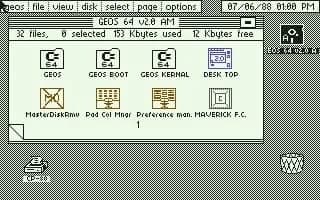
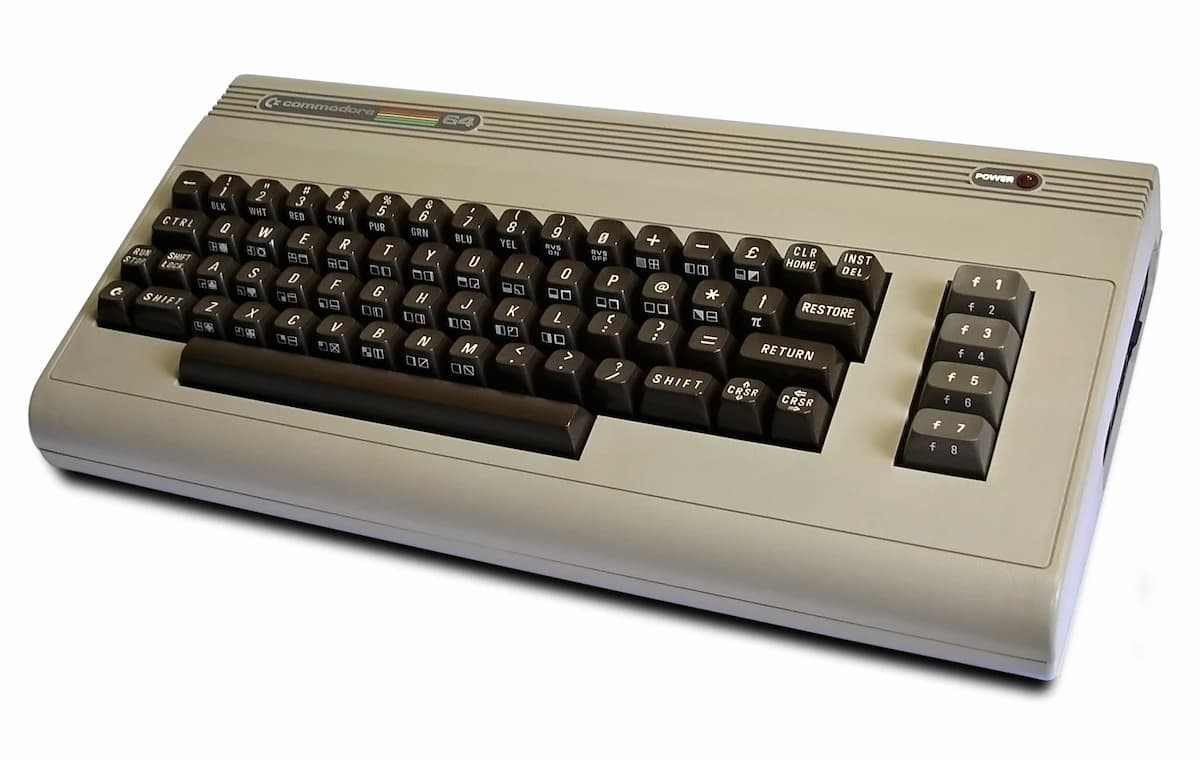
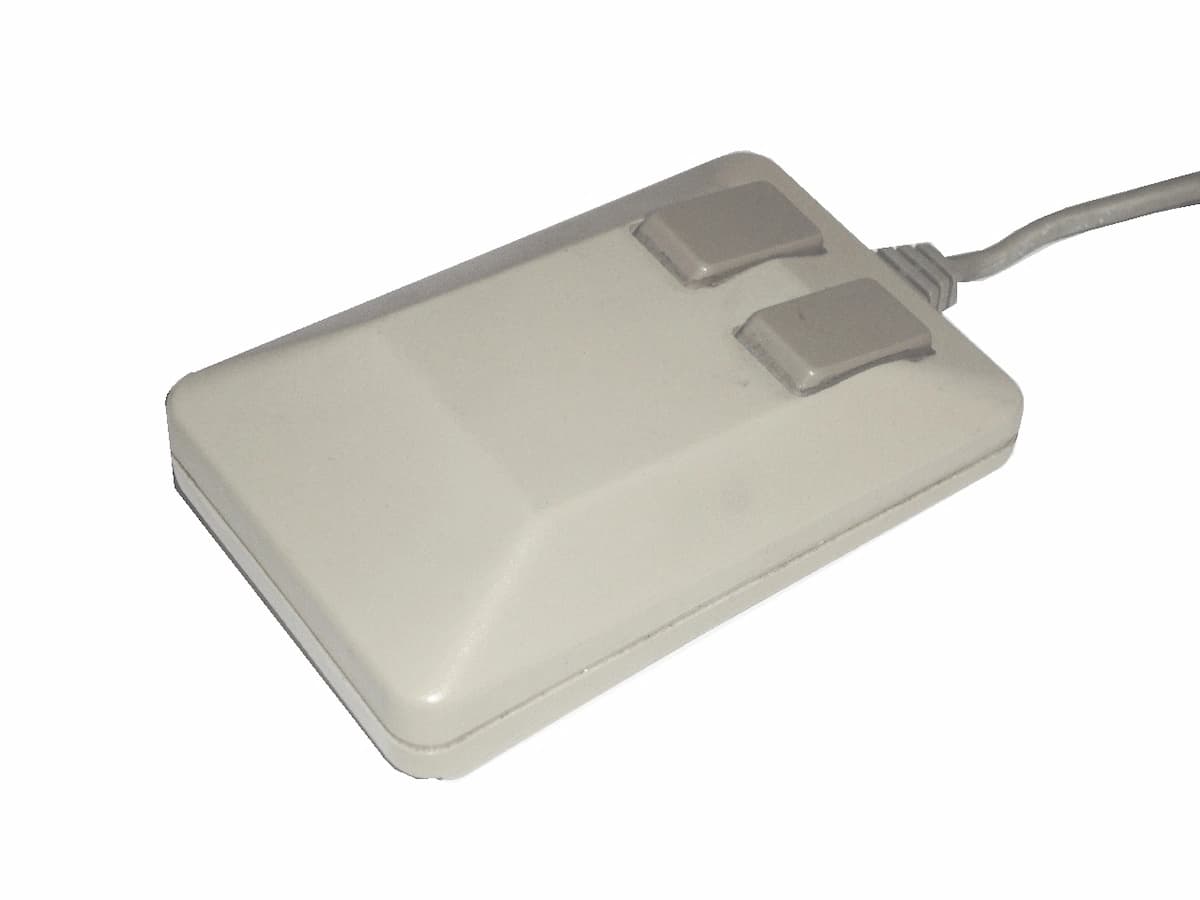
The Commodore 1351 was the official mouse for the Commodore 64 and other 8-bit Commodore computers. Designed primarily for use with GEOS and compatible games such as Operation Wolf and Arkanoid, it brought a completely new way of interacting with the C64.
With two buttons and an optomechanical ball mechanism, the 1351 was competitive for its time. It connected to the joystick ports of the C64 via a DE-9 connector and operated in so-called proportional mode, which allowed precise cursor movement.
Shop on Amazon
Find Commodore hardware, games, books and accessories. Browse the full range on Amazon.
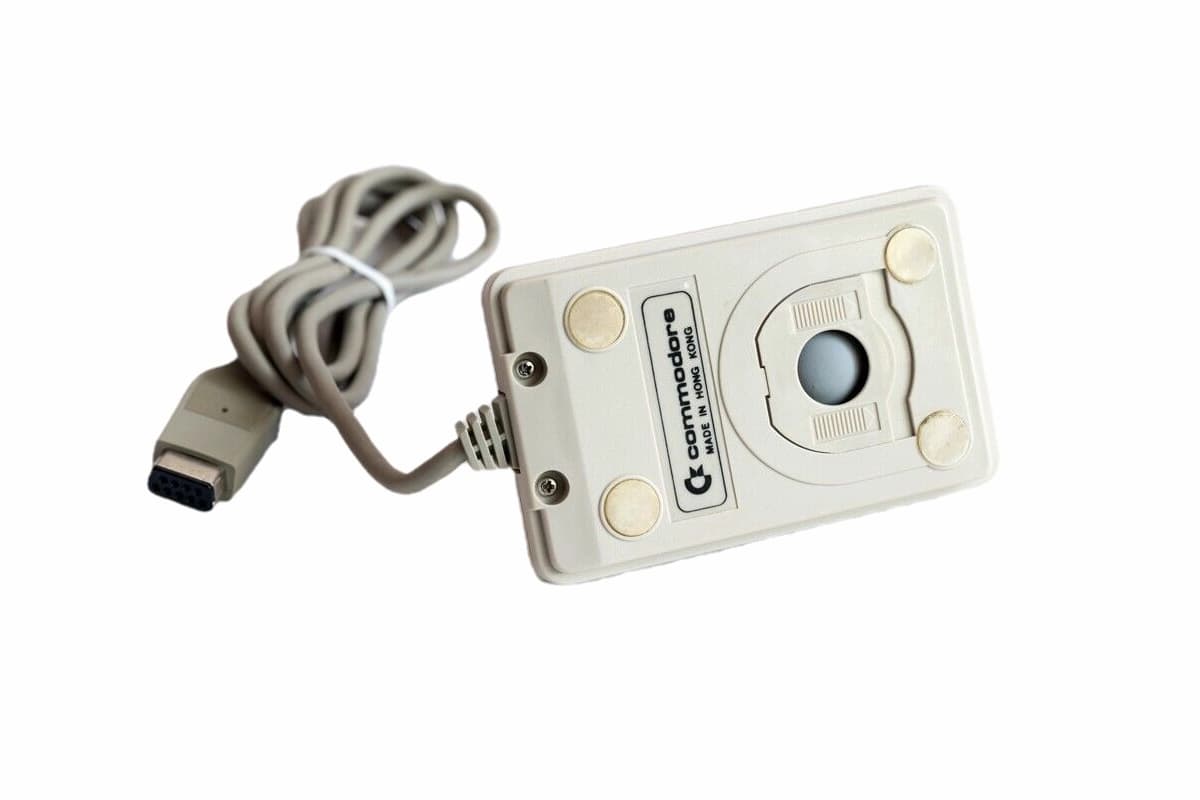
What is the Commodore 1351 Mouse?
The Commodore 1351 is an optomechanical input device developed by Commodore International for the C64. Unlike a joystick, it allows for more natural navigation in graphics-intensive applications. The DE-9 connector plugs directly into the joystick ports, and thanks to proportional mode, the C64 reads mouse movements as analogue values rather than digital directional signals.
The 1351 was initially sold separately but quickly became an essential accessory for anyone wanting to use GEOS. The operating system could be operated with a joystick, but the mouse was what made the graphical interface genuinely comfortable to use.
Design and development of the mouse
Commodore International developed the 1351 in response to growing demand for more advanced input methods. With the spread of GEOS and graphics-based software packages for the Commodore 64, it became clear that the joystick was reaching its limits for word processing and graphic design.
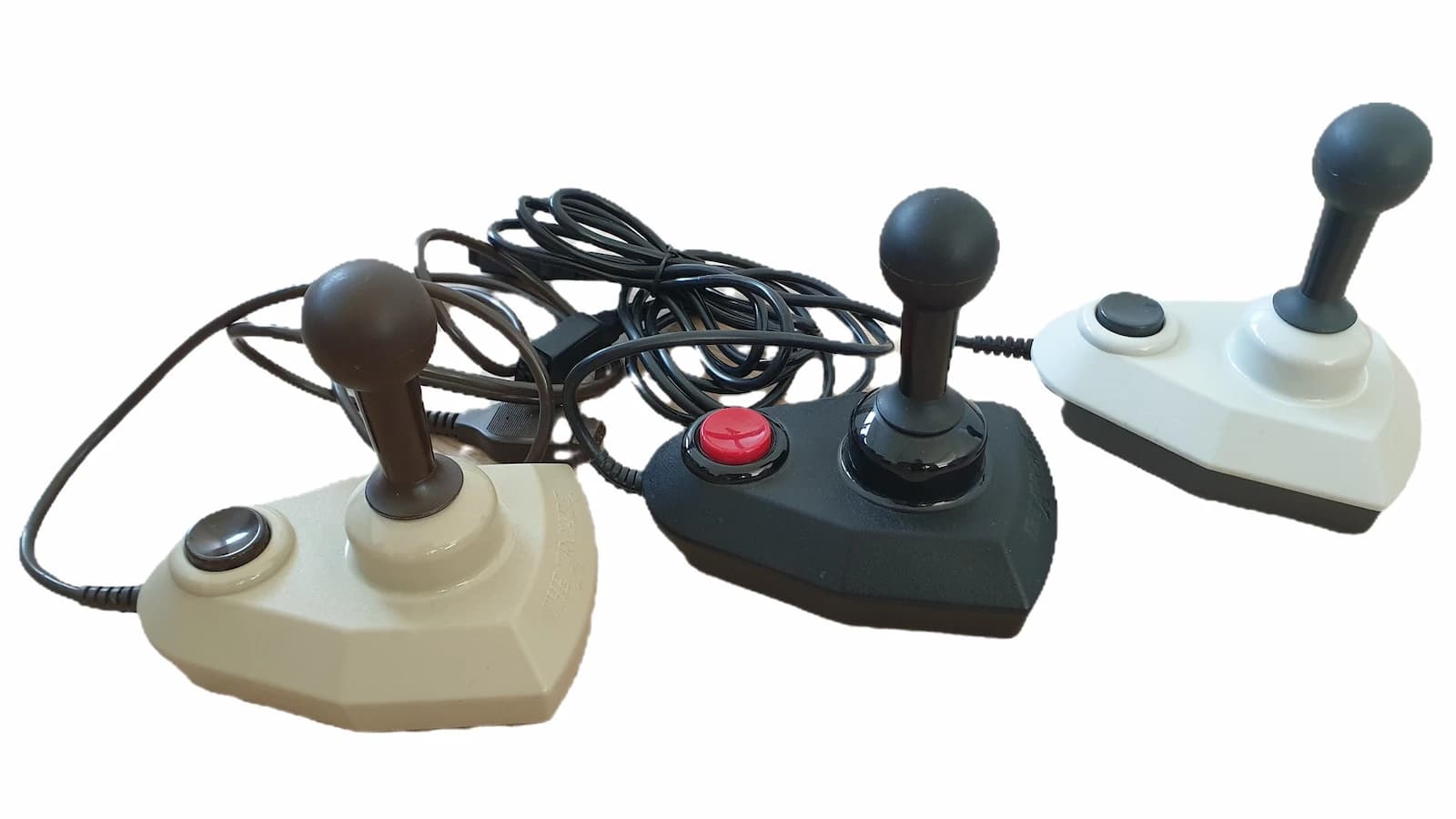
The design drew on contemporary mice from other manufacturers but was adapted to be fully compatible with the C64's hardware. A notable feature was the joystick compatibility mode: by holding both buttons at startup, the mouse switched into a mode where it behaved like a joystick, allowing it to be used with games that had no native mouse support.
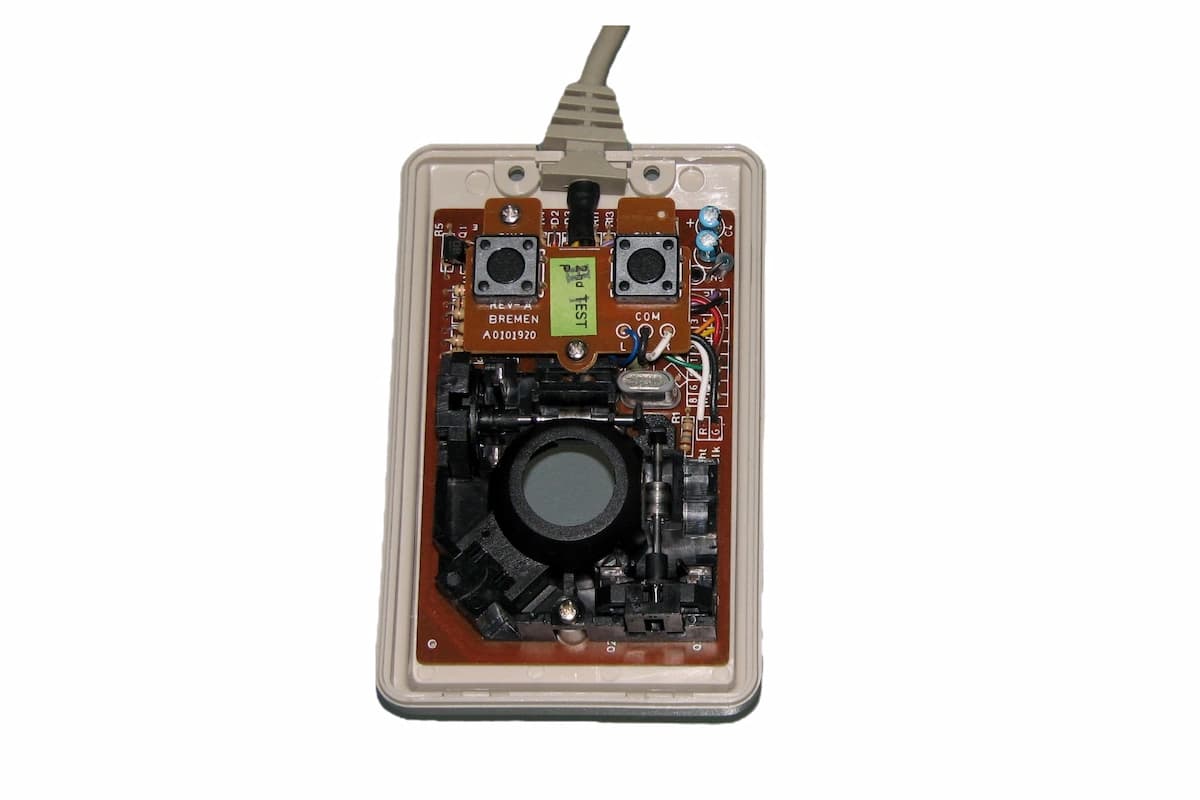
How does the Commodore mouse work?
The ball underneath the mouse rolls across a surface, rotating two perpendicular axes. Optical sensors detect these rotations and convert them into signals that the C64 interprets as horizontal and vertical cursor movement. The two buttons send simple digital signals that the C64 processes as fire button input.
In proportional mode, the C64 reads mouse movements via the SID chip's paddle inputs. This is the key difference from a standard joystick: instead of simple on/off signals for eight directions, the mouse delivers continuous analogue values, enabling smooth and precise cursor movement. Software that uses this mode needs to be programmed accordingly.
How to use the 1351 Mouse
Connect the mouse
The 1351 plugs into port 1 or port 2 of the Commodore 64 (DE-9 connector). Connect it to whichever port the software expects; GEOS, for example, recognises it on port 1 by default.
Launch compatible software
Start a program that supports the mouse, such as GEOS C64. Not every application recognises the mouse automatically; you need software specifically designed to use it.
Move the pointer
Move the mouse on a smooth surface to control the on-screen cursor. A mouse mat improves precision but is not strictly required.
Click and drag
The left button selects objects; the right button has varying functions depending on the software. In GEOS you can move files and windows by holding the left button while moving the mouse.
Use joystick mode
Hold both buttons at startup to switch into joystick compatibility mode. This lets you use the mouse in games that have no native mouse support.
Manual and documentation
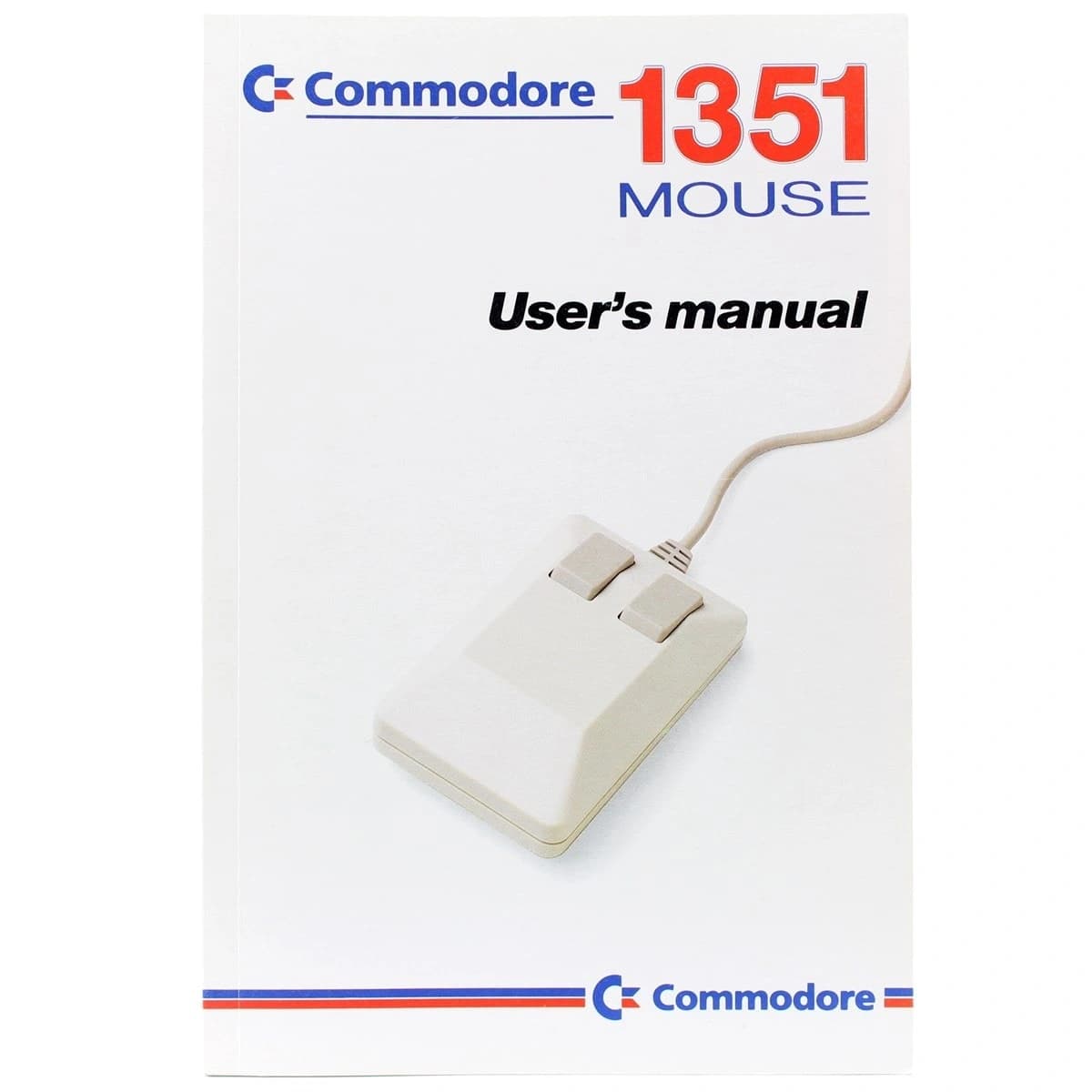
The 1351 came with a printed user manual. It explains the setup, the various operating modes, and provides guidance on compatibility with common software. The manual is still available online today and remains useful for retro enthusiasts, particularly when running the mouse with original hardware or emulators such as VICE.
For modern users wanting to use the 1351 alongside the VICE emulator, the emulator includes built-in mouse support that replicates the proportional behaviour of the original mouse. Mouse support can be enabled in the VICE settings under the joystick menu.
Technical specifications
Device
| Type | Optomechanical mouse (ball mechanism) |
| Buttons | 2 (left and right) |
| Connector | DE-9 (9-pin D-sub) |
| Cable | Fixed attached cable |
Compatibility
| Primary | Commodore 64, Commodore 128 |
| Other | Amiga (with adaptation), other 8-bit Commodore |
| Port | Port 1 or port 2 of the C64 |
| Mode | Proportional mode (via SID paddles) |
Software
| Main use | GEOS C64 |
| Games | Operation Wolf, Arkanoid and others |
| Joystick mode | Yes (both buttons at startup) |
| Emulation | VICE (built-in mouse support) |
Build
| Form factor | Two-button mouse |
| Housing | Two-piece, easy to open |
| Manufacturer | Commodore International |
| Period | From 1986 |
Playing Arkanoid with the 1351 Mouse
Arkanoid is one of the best-known games that natively supports the Commodore 1351. The classic breakout gameplay is far more precise with the mouse than with a joystick. The video shows the game in action with the 1351 on a real Commodore 64.
Want to play Breakout yourself? Try our C64 Arcade version right in your browser.
**** FREQUENTLY ASKED QUESTIONS ****
READY.
Buy a Commodore 1351
The Commodore 1351 is still available through retro computing dealers and online marketplaces. Look for original examples in good condition and check that the cable and DE-9 connector are undamaged.
Search on AmazonAffiliate link. As an Amazon Associate we earn a small commission at no extra cost to you.